Reporting Wild Pig Harvests Through ALDS
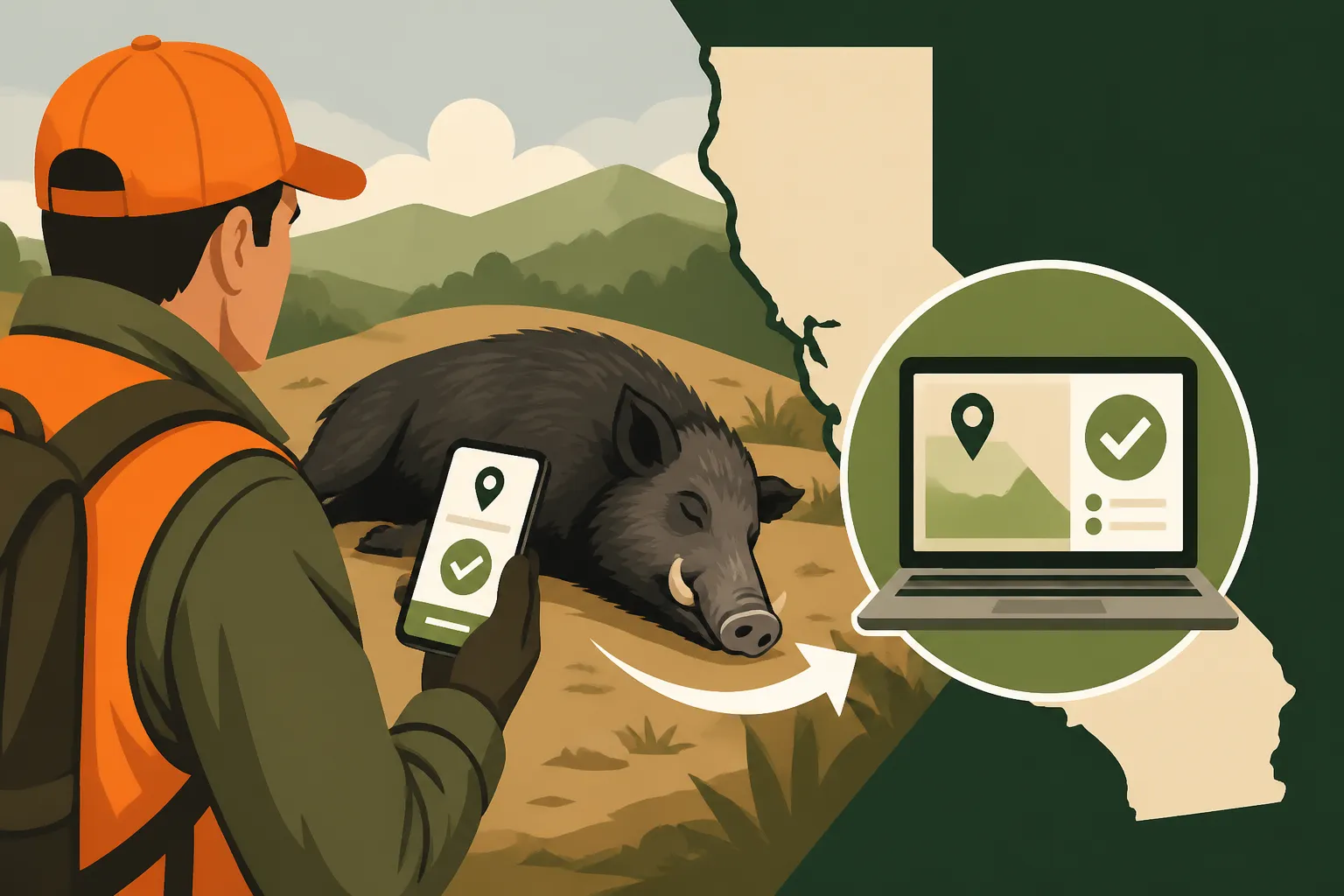
You've just wrapped up a challenging hunt, maybe still buzzing from the stalk or the perfect shot on a California wild pig. Now, with the hard work of field dressing behind you, there's one last crucial step that often gets overlooked or feels like a bureaucratic chore: reporting your harvest. This guide is here to walk you through the ins and outs of reporting your wild pig harvest through California's Automated License Data System (ALDS), ensuring you comply with regulations and contribute to vital wildlife management data.
Understanding California's Pig Reporting Requirements
I know, after the adrenaline of the hunt, the last thing you want to do is sit down and fill out forms. But in California, reporting your wild pig harvest isn't just a suggestion; it's a legal requirement that plays a surprisingly significant role in managing this prolific species. It's easy to think of it as just another hoop to jump through, but understanding why we do it can make the process feel a little less tedious.
Why Reporting Matters for Wild Pig Management
Imagine trying to manage a garden without knowing how many weeds you pulled or how many tomatoes you picked. It would be impossible to make informed decisions about future planting or pest control, right? It's the same principle with wild pigs in California. These animals are incredibly adaptable and, frankly, can be quite destructive to natural habitats and agricultural lands, especially in areas like the Central Coast oak ranges. The California Department of Fish and Wildlife (CDFW) relies heavily on the data submitted by hunters to get a clear picture of wild pig populations, their distribution, and overall harvest trends.
Without accurate harvest reports, wildlife biologists would be flying blind. They wouldn't know if populations are increasing or decreasing in specific areas, if certain hunting methods are more effective, or if environmental factors like drought or a poor acorn year are impacting pig numbers. This information helps them make crucial decisions about future hunting seasons, bag limits (though it's worth noting that for wild pigs, there's currently no bag limit in California), and habitat management strategies. Every report you file, even if it feels small to you, is a piece of a much larger puzzle that helps ensure sustainable hunting opportunities for years to come. It’s part of our shared responsibility as hunters to contribute to the health of the resource we cherish.
The Legal Mandate for Harvest Reporting
Let's cut to the chase: reporting your pig harvest is not optional. It’s a legal requirement tied directly to your valid California's Year-Round Wild Pig Tag. When you purchase your wild pig tag, which is generally quite affordable for residents (you can check the latest California Wild Pig Tag Cost for Residents or California Wild Pig Tag Cost for Nonresidents), you're agreeing to abide by the state's regulations, and reporting is one of them. The California Fish and Game Code mandates that all successful wild pig hunters report their harvest within 30 days of taking the animal or by January 31st following the year of harvest, whichever comes first.
Failing to report your harvest can actually lead to consequences, though typically the CDFW is more interested in getting the data than penalizing hunters who forget. Still, it's best practice to stay compliant. Think of it as a commitment you make as part of enjoying the privilege of Wild Pig Hunting California Year-Round. The system is designed to be relatively straightforward, especially once you're familiar with it, which is exactly what we're going to cover next. This simple act of reporting ensures that your hunt contributes not just to your freezer, but to the bigger picture of wildlife conservation and management in our beautiful state.
Navigating the Automated License Data System (ALDS)
Okay, so you've understood why you need to report. Now, let's get into the how. The Automated License Data System, or ALDS, is the CDFW's online portal for everything from purchasing your California Hunting Licenses and What They Cost to reporting your harvests. If you've ever bought a license online in California, you've already used ALDS. It's generally pretty user-friendly, but like any government system, it can have its quirks.
Getting Started with Your ALDS Account
Before you can report anything, you need to be able to log in. If you've purchased a hunting license or tag in California within the last few years, you likely already have an ALDS account tied to your GoID number. This GoID is your unique identifier with the CDFW, and it's usually printed on your hunting license. If you've forgotten your login details or it's your first time trying to access your account online, don't sweat it. The ALDS portal has a "Forgot Password" or "Look Up GoID" feature that works quite well. You'll typically need to provide your last name, date of birth, and either your driver's license number or a previously issued GoID.
Once you're in, take a moment to familiarize yourself with the dashboard. You'll see options for purchasing new licenses, viewing your license history, and, most importantly for our current task, reporting your big game harvests. Some hunters find it helpful to use scouting tools like GoHunt to keep track of their tag numbers and deadlines, making the ALDS reporting process smoother when it's time to submit. Having everything organized makes it less likely you'll miss that important 30-day window or the January 31st cutoff.
Step-by-Step Guide to Reporting Your Pig Harvest
Alright, the moment of truth! You've logged into ALDS, you've got your wild pig tag in hand (or at least the tag number), and you're ready to report. Here's a detailed walkthrough:
- Locate the "Report Harvest" Section: Once logged in, look for a prominent link or tab usually labeled "Report Harvests" or "Big Game Harvest Reporting." This is your gateway to submitting your pig data.
- Select Your Pig Tag: The system will display a list of all your active big game tags. Find the specific wild pig tag that corresponds to the animal you harvested. It will usually have a status like "Not Reported." Click on it to initiate the reporting process.
- Enter Harvest Information: This is where you'll input the details of your successful hunt. You'll be asked for several pieces of information:
- Date of Harvest: The exact day you took the pig.
- Location of Harvest: This is usually done by selecting the county and then narrowing it down further to a specific unit or general area. Be as accurate as you can without giving away your secret spot down to the GPS coordinates. They're more interested in the general region for population analysis.
- Weapon Used: Rifle, archery, muzzleloader, etc.
- Sex of the Animal: Was it a boar (male) or a sow (female)? This is crucial for population dynamics.
- Weight (Estimated): An approximation of the pig's live weight. Don't worry about being exact to the ounce; a good estimate is fine.
- Method of Take: This might include things like "still-hunting," "spot-and-stalk," or "hunting over bait" (if legal in your specific situation for other species, though for pigs, baiting rules vary).
- Number of Hours Hunted: An estimate of the total hours you spent actively hunting for this pig.
- Number of Other Pigs Seen: This is another important data point for population estimates.
- Was the animal wearing a tag or ear clip? This helps identify specific management or research animals.
- Review and Submit: Before hitting that final "Submit" button, double-check all your entries. Make sure the date is correct, the county is accurate, and you've selected the right tag. Once you submit, you'll usually receive a confirmation number or a digital receipt, which you should save for your records. This confirmation is your proof that you've fulfilled your legal obligation. It's a pretty straightforward process, especially if you have all your details ready. GoHunt also offers tools to record harvest data for personal use, which can then easily be transferred to the ALDS system.
Common Pitfalls and Troubleshooting Tips for ALDS
While the ALDS system is designed to be efficient, sometimes technology throws us a curveball. It's frustrating when you're trying to do the right thing and the system just isn't cooperating. Believe me, I've been there, staring at a frozen screen after a long day in the field, just wanting to get my report done.
Dealing with Technical Glitches and Login Issues
One of the most common issues hunters encounter is simply logging in. Maybe you haven't used your account since last season, or perhaps you've changed your email address. If you're struggling to access your ALDS account:
- GoID vs. Customer ID: Make sure you're using your correct GoID. Sometimes people confuse it with other numbers. Your GoID is unique to you and is on all your licenses.
- Password Reset: If you've forgotten your password, use the "Forgot Password" link. It usually involves answering security questions or receiving a reset link to the email associated with your account.
- Browser Issues: Believe it or not, sometimes your web browser can be the culprit. Try clearing your browser's cache and cookies, or even switch to a different browser (e.g., if you're using Chrome, try Firefox or Edge). Outdated browsers can sometimes cause display or functionality problems with secure government websites.
- Internet Connection: A spotty internet connection, especially if you're trying to report from a remote camp, can cause submission errors. Try again when you have a stable connection.
- CDFW Help Desk: If all else fails, don't hesitate to contact the CDFW's licensing or ALDS support. They have a help desk specifically for these types of issues. You can usually find their contact information on the main CDFW website. It's better to call them and get it sorted out than to miss the reporting deadline. Many hunters find resources like GoHunt helpful for general guidance, but for ALDS-specific issues, the CDFW is your direct line.
What to Do If You Miss the Reporting Window
Life happens, and sometimes, despite our best intentions, we miss a deadline. It's understandable if you're worried about what happens if you don't report your pig harvest within the required 30 days or by January 31st. While technically it's a violation, the CDFW's primary goal is data collection, not punishment.
If you realize you've missed the reporting window, the first thing you should do is still attempt to report it through ALDS. The system might allow you to submit a late report, though it might flag it as such. If the system absolutely won't let you, or you're unsure, contact the CDFW licensing division immediately. Explain your situation honestly. They can often guide you on how to proceed, which might involve a manual report or simply noting the late submission. It's always better to be proactive and communicate with them rather than just ignoring it. A simple phone call can save you a lot of headache and ensure your data still contributes to the management of California's wild pig population, which is beneficial for everyone who enjoys Hunting Pigs on Central Coast Oak Ranges or other areas across the state.
Beyond the Report: What Happens to Your Data
So you've done your part, meticulously entered all the details of your successful hunt into ALDS, and hit "submit." You might wonder, "What actually happens with all that information?" It's not just disappearing into a black hole; every piece of data you provide is carefully analyzed and used to make informed decisions about wildlife management in California. It's a testament to the collective effort of hunters contributing to conservation.
How Harvest Data Informs CDFW Management
The CDFW aggregates all those individual harvest reports into a massive database. Biologists then pore over this data, looking for trends and patterns. For instance, they can track the annual total harvest of wild pigs across the state and break it down by county. This helps them identify which counties have the most pigs, where populations might be increasing or decreasing, and where hunting pressure is highest. This knowledge is invaluable. For example, if they see a significant drop in reported harvests in a particular zone, they might investigate habitat changes, disease outbreaks, or other factors affecting the pig population.
They also look at factors like the sex ratio of harvested animals. If too many sows are being harvested, it could impact future breeding success. Conversely, a high number of boars might indicate a healthy, thriving population. The estimated weights reported by hunters help biologists understand the overall health and age structure of the pig herds. All this information directly influences policy decisions, ensures the sustainability of our wild pig resource, and helps balance the ecological impact of these animals on other species and agricultural interests. It's a powerful tool that makes your reporting efforts truly meaningful.
The Broader Impact on California's Wild Pig Population
Consider the broader ecological picture. How Many Wild Pigs Roam California is a question that CDFW constantly tries to answer, and your harvest reports are a critical component of that estimate. Wild pigs are an introduced species in California, and while they offer fantastic hunting opportunities, they can also cause significant damage. We're talking about extensive rooting that destroys native plant communities, disrupts sensitive habitats, and even contributes to California Wild Pig Damage to Vineyards and other agricultural crops. They compete with native wildlife for food resources and can even prey on fawns or ground-nesting birds.
The data gathered through ALDS helps the CDFW understand the effectiveness of hunting as a management tool. Since there's no closed season and Why Wild Pigs Have No Bag Limit, hunting is the primary means of controlling their numbers. By understanding where and when pigs are being harvested, and in what numbers, biologists can assess if current hunting pressure is sufficient to mitigate their negative impacts or if other strategies might be needed. Your report, combined with thousands of others, paints a comprehensive picture that guides these critical conservation efforts, ensuring we maintain a balance between hunting opportunities and ecological health. Tools like GoHunt help hunters analyze their own success rates and patterns, which in turn feeds into a more informed hunting community, better equipped to contribute to these broader management goals.
Here's a quick summary of the ALDS reporting steps:
| Step | Description | Key Information Needed |
|---|---|---|
| 1. Log In to ALDS | Access the California Department of Fish and Wildlife (CDFW) Automated License Data System (ALDS) portal using your GoID and password. | GoID, Password |
| 2. Navigate to Harvest Reports | Find the "Report Harvests" or "Big Game Harvest Reporting" section on your dashboard. | N/A |
| 3. Select Wild Pig Tag | Choose the specific wild pig tag from your list of available tags that corresponds to the animal you harvested. | Wild Pig Tag Number |
| 4. Enter Harvest Details | Input information about your successful hunt into the provided fields. | Date, Location (County/Unit), Weapon, Sex, Estimated Weight |
| 5. Provide Effort Data | Include details about your hunting effort and observations. | Hours Hunted, Number of Other Pigs Seen, Tag on Animal (Y/N) |
| 6. Review and Submit | Carefully check all entered information for accuracy before finalizing your report. Save your confirmation. | All previously entered data |
Disclaimer
This guide is intended for informational purposes only and does not constitute legal advice. Hunting regulations in California are subject to change. Always consult the official California Department of Fish and Wildlife (CDFW) regulations and resources for the most current and accurate information before engaging in any hunting activities.