Reporting a Deer Through California’s App
The buck is in the freezer, the photos are on your phone, and then you remember there is still paperwork to do. Maybe you did not even fill your tag and assumed reporting did not apply to you. Either way, a missed report can cost you a fee and a headache next season. This guide walks through reporting a California deer harvest through the state’s app and online system, step by step.
Why California Requires Deer Harvest Reports
Before getting into the buttons and screens, it helps to understand why California asks every deer tag holder to report, and what the state does with the information.
Who Has to Report
California requires a harvest report for every deer tag, whether you filled it or not. That surprises a lot of hunters, especially those who come from states where only successful hunters report. In California, if you held a deer tag, you report. If you held two deer tags, you report on both.
Successful hunters report details about the deer they took. Unsuccessful hunters report that they did not harvest, along with basic information about their effort, such as whether they hunted at all and how many days they spent in the field. Both kinds of reports matter to the state.
For a full overview of the rules, including which tags are covered and what happens if you do not comply, see California Deer Reporting Requirements.
What the Data Is Used For
Harvest reports give the California Department of Fish and Wildlife a picture of how many deer were taken, where, and when, along with information about hunter effort. That information feeds into estimates of deer populations, decisions about tag quotas, and the long-term management of herds across the state’s many zones.
Unsuccessful reports are just as useful as successful ones, because they show how much effort it takes to fill a tag in a given zone. A zone where most hunters fill tags quickly tells biologists something very different from one where most hunters spend a week in the field and come home empty-handed. If you are curious how this information is turned into herd estimates, see How CDFW Counts the California Deer Herd.
Reporting accurately is part of being a responsible hunter. Every report helps keep deer seasons healthy and hunting opportunities available.
The Reporting Deadline
The rules give you a deadline for reporting. Successful hunters must report within a set number of days after harvest, and every tag holder, successful or not, must report by a fixed date after the season ends. Missing the deadline usually means paying a non-reporting fee when you buy a deer tag in the following license year. For the details, including how the deadline works if you hunt late in the season, see The California Deer Reporting Deadline.
The simplest approach is to report as soon as you can after your hunt is over. If you tag a deer, report the same day or within a few days, while the details are fresh. If you hunt all season without filling your tag, report as soon as your season closes.
It also pays to keep a simple record of each report. Note the tag number, the date you reported, and the confirmation number in the same place you keep your license information. If a fee shows up on your account next year that you think is a mistake, that record is the fastest way to sort it out. Without it, you may end up paying a fee for a report you actually filed.
Remember that the reporting deadline and the season dates are separate things. A tag for an early zone such as Zone A closes months before a late-season tag does, but the reporting obligation applies to both. Do not wait until the last week before the deadline just because one of your tags was for a late hunt; report each tag when its own hunting is finished.
| Situation | What You Report | When to Do It |
|---|---|---|
| Filled your tag | Date, location, deer details, days hunted | Within the required window after harvest |
| Hunted but did not fill | That you did not harvest, days hunted | After the season, before the deadline |
| Did not hunt at all | That you did not hunt | Before the deadline |
| Held two tags | A separate report for each tag | Following the rule for each tag |
Reporting Your Deer Step by Step
California’s licensing system lets you report harvests online, including through the state’s mobile app and mobile-friendly license site. The exact screens change from time to time, but the basic process stays the same.
Before You Start
Gather the information you will need before you sit down to report. That makes the process quick and helps you avoid mistakes.
- Your customer identification number, often called your GO ID, which appears on your license and tags.
- Your date of birth and other personal details used to verify your identity.
- Your tag number, printed on the deer tag itself.
- The date you took the deer, if you were successful.
- The location where you took the deer, as specifically as you can describe it.
- Details about the deer, such as antler points on each side.
- The number of days you hunted.
If you took photos of your deer and your tag in the field, have them handy. They can help you confirm details like antler points and the exact location.
A mapping app that saved your kill location can be a big help. Many hunters drop a waypoint at the spot where they recover their deer. GoHunt and similar mapping tools make this easy, and the waypoint will help you report the location accurately.
Completing the Report in the App
Once you have your information ready, the process generally looks like this:
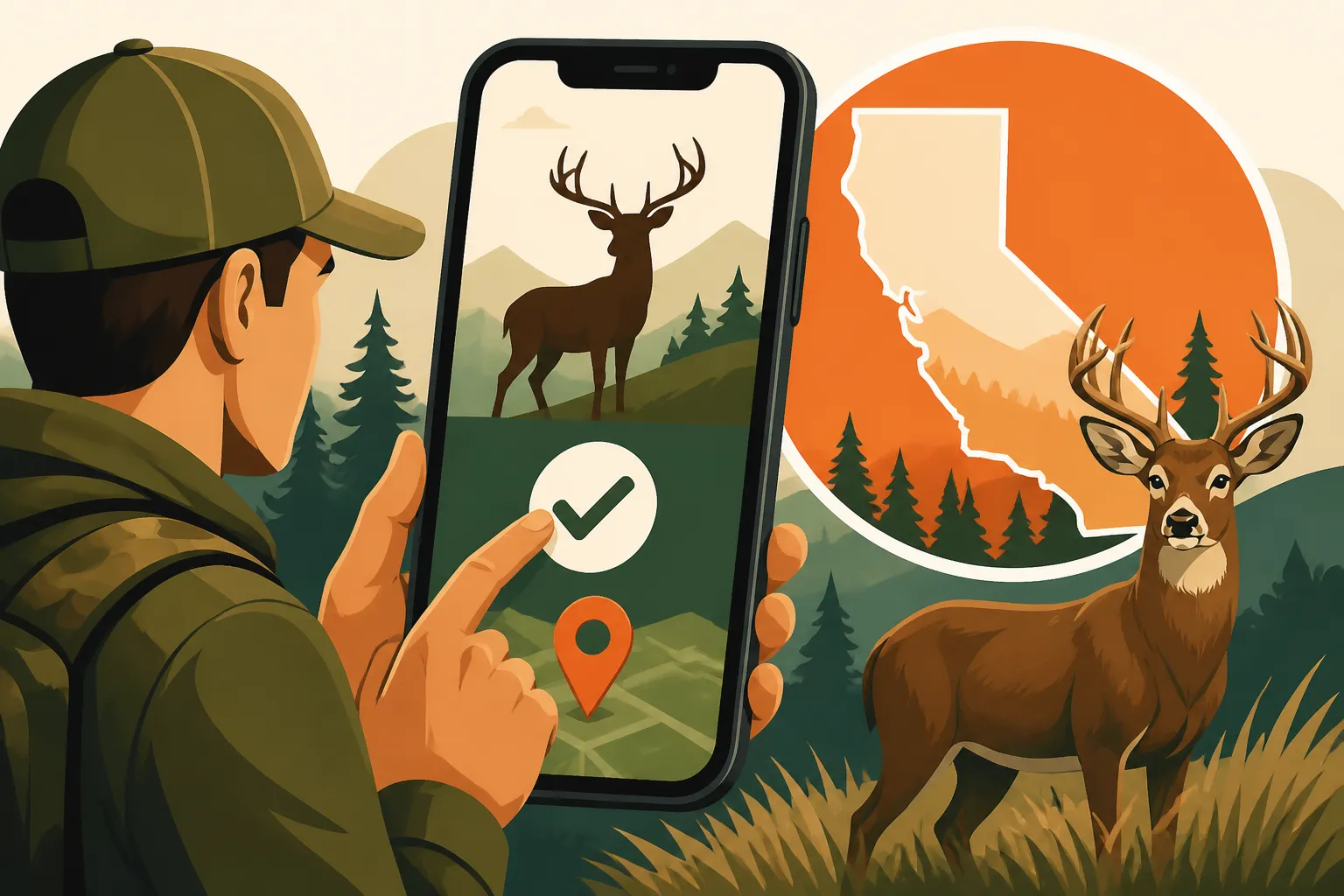
- Open the app or the online license service and sign in, or look up your customer record with your GO ID and personal details.
- Find the harvest reporting section, where your deer tags for the current license year are listed.
- Select the tag you want to report on.
- Indicate whether you harvested a deer with that tag.
- If you did, enter the date of the harvest and the location information the form asks for.
- Enter details about the deer, such as antler points, when the form requests them.
- Enter the number of days you hunted.
- Review everything carefully before you submit.
- Submit the report and save the confirmation that appears.
Take a screenshot of the confirmation or write down the confirmation number. If there is ever a question about whether you reported, that confirmation is your proof.
The app should show the tag as reported once you are done. If it does not, check again later, and contact the department if there seems to be a problem. Do not assume the report went through if you did not get a confirmation.
Reporting Location Accurately
Location is one of the most important parts of a harvest report, and one of the most common sources of confusion. The form may ask for the zone or hunt, the county, and a more specific description, such as a map location or the nearest landmark.
Be as accurate as you can. If you are not sure of the exact location, use your GPS waypoint, a map or your photos to figure it out. Do not guess, and do not report a different location than where you actually took the deer.
If you hunted near a zone boundary, double-check which zone your harvest location falls in. Your tag is valid only in the zone or hunt it was issued for, so the location on your report should match. If you realize you took a deer outside your zone by mistake, contact the department rather than trying to hide it.
Describing the Deer Itself
For a successful report, the form asks for details about the animal. For bucks, that usually means antler points, and it is worth knowing how the count works before you sit down to report. Most western-style counts tally the points on each side separately, and California forms typically follow that approach. Check the instructions on the form, because brow tines and very small points can be counted differently depending on the rules.
Count carefully and honestly. A small forked horn is a perfectly good deer, and reporting the actual points is what makes the data useful. If you had the deer professionally measured or mounted, you do not need to wait for the taxidermist; report what you counted yourself within the deadline.
If your tag allowed antlerless deer or either-sex deer and you took a doe, the form will ask for that instead. Make sure the deer you report matches what your tag allowed.
Two Reporting Examples
Here is how two different hunters might handle reporting in the same season.
The first hunter takes a three-point buck in a D zone on a Saturday in October. Before leaving the kill site, they complete and attach the tag, take photos of the buck and the tag, and drop a GPS waypoint. On Sunday evening, after the meat is in the cooler, they open the app, select the tag, enter the harvest date, zone, county and map location from the waypoint, record three points on each side and the two days they hunted, and submit. They screenshot the confirmation and save it in a folder with their hunt photos. The whole process takes about ten minutes.
The second hunter holds an A-zone tag and a later-season tag, hunts six days across both, and fills neither. When the last season closes, a phone reminder pops up. They report each tag as unsuccessful, enter the number of days hunted for each, and save both confirmations. No fee next year, and the state gets a clear record of their effort, which is just as useful to biologists as a successful report.
If You Cannot Use the App
Not everyone wants to report on a phone. The same reporting system is available through the online license service on a computer, and it asks for the same information. If you do not have internet access at all, contact a CDFW license office or a license agent to ask about other options well before the deadline. The important thing is that the report gets filed, not which device you use to file it.
Common Problems and How to Avoid Them
Most reporting is quick and painless, but a few problems come up again and again. Knowing about them ahead of time saves frustration.
Forgetting to Report an Unfilled Tag
The most common mistake is not reporting an unfilled tag. Many hunters assume that if they did not kill a deer, there is nothing to report. In California, that is not true. Every tag needs a report.
The consequence is usually a non-reporting fee when you buy your next deer tag. It is not the end of the world, but it is an annoying and avoidable cost. Set a reminder on your phone for the end of the season to report any tags you did not fill.
If you held a second tag, do not forget it. Hunters who buy a second tag late in the season sometimes forget about it completely. For more on second tags and how they work, see California Second Deer Tag Availability.
Technical Issues and Login Problems
Apps and websites sometimes have problems, especially near deadlines when lots of hunters are reporting at once. Report early to avoid the rush.
If you have trouble logging in, double-check your GO ID and personal details. Make sure you are entering information exactly as it appears on your license. If you still cannot log in, try the website on a computer instead of the app, or contact the department for help.
If the app crashes or freezes during reporting, check whether the report went through before trying again. Submitting duplicate reports can cause confusion. Look for the tag status in your account, and contact the department if you are not sure.
Mixing Up Field Tagging and Online Reporting
Online reporting does not replace the steps you take in the field. When you kill a deer, you still need to complete and attach your tag as the instructions require, and some tags need to be countersigned before transport. Reporting comes afterward.
Keep your tag with the deer as required by law. Do not throw away your tag after reporting, and do not assume that reporting online means you no longer need to carry your physical tag. Follow the instructions on your tag and in the regulations. If you want to understand what you can and cannot carry digitally, see Carrying Proof of License on Your Phone.
Making Reporting Part of Your Hunting Routine
Reporting is easiest when it becomes a habit, just like checking your rifle’s zero or packing your game bags.
Build It Into Your Post-Hunt Checklist
After every hunt, successful or not, go through a short checklist. Did you take a deer? If so, did you complete and attach your tag, get it countersigned if needed, and note the location? If you did not take a deer, is your season over, and do you need to report an unfilled tag?
Keeping your notes in one place helps. A hunting notebook, a notes app or a mapping app like GoHunt can hold your waypoints, harvest details and days hunted. When it is time to report, everything you need is in one place.
Combining Reporting With Other Post-Harvest Tasks
Depending on where you hunt, you may also need to deal with chronic wasting disease sampling, carcass transport rules and other post-harvest steps. Plan these tasks together so nothing falls through the cracks. See CWD Testing for California Hunters for more on sampling.
You might also want to look at harvest data for your zone after the season. Reports from all hunters are compiled into harvest statistics that the state publishes. Understanding how to read those numbers can help you plan next season. See Reading a California Harvest Report for tips.
Helping Others Report
If you hunt with family members or friends who are less comfortable with technology, help them report. Older hunters and young hunters sometimes struggle with apps and websites, and a few minutes of help can save them a fee and a lot of stress.
Mentors and hunting clubs can play a big role here. Make reporting part of the conversation at deer camp, and remind everyone to report before the deadline. A quick group reminder near the end of the season can make sure everyone in your group stays compliant. Some camps even make it a tradition: the last night of the season, everyone pulls out their phones and files their reports together before the cards come out. It takes a few minutes, it gets done while everyone still remembers how many days they hunted, and nobody gets a surprise fee the following summer.
Reporting may not be the most exciting part of deer hunting, but it is an important one. It helps California manage its deer herds, keeps hunting opportunities available, and keeps you on the right side of the rules.
Disclaimer
This article is for general informational purposes only and does not constitute professional advice. Laws, prices and regulations vary by location and change over time. Consult a qualified professional for guidance on your specific situation.