Buying a License Through California’s Online Portal
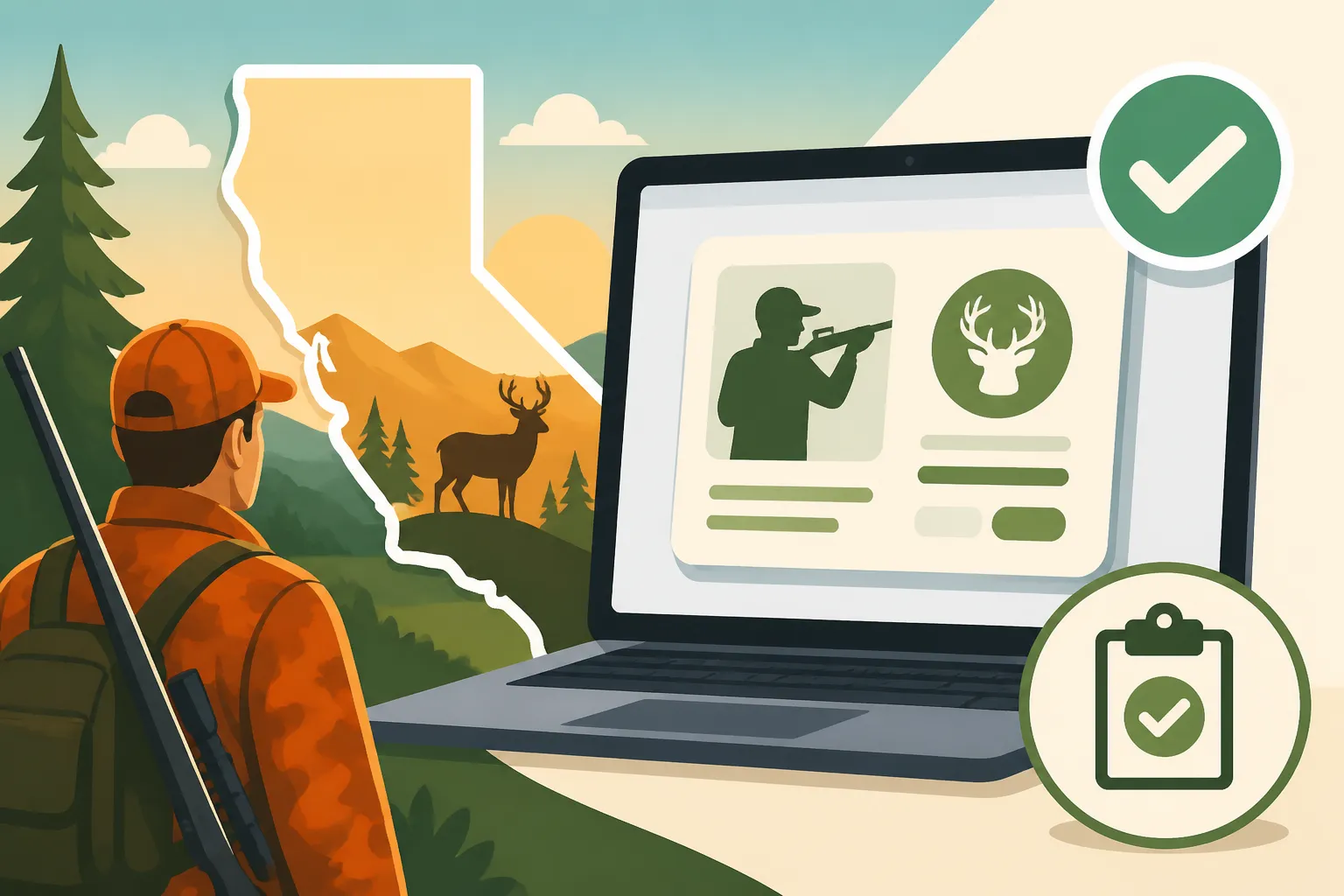
Oh, the California Department of Fish and Wildlife (CDFW) online license sales portal! If you've ever found yourself staring at that screen, bewildered by menus, confused about endorsements, or just plain frustrated that you can't seem to find the right tag for your long-anticipated season, you're definitely not alone. It can feel like navigating a maze blindfolded, and the last thing any of us want is to make a mistake that jeopardizes our hunting season or wastes our hard-earned money. This guide is here to untangle that knot, walking you through every step of purchasing your hunting license, tags, and permits online, so you can spend less time clicking and more time scouting.
Navigating the CDFW Online License Sales Portal
Getting started with the CDFW's online license portal can sometimes feel like trying to solve a Rubik's Cube after a long day in the field. It’s designed to be comprehensive, but that also means it can be a bit overwhelming, especially if you're new to California hunting or haven't used the system in a while. Don't worry, we're going to break it down piece by piece.
Initial Account Setup and Login Challenges
Before you can even think about buying a license, you need to either log into an existing account or create a new one. This is often where the first headaches begin. If you've hunted in California before, you likely have a GoID number associated with your previous purchases. This GoID is your key to accessing your account history, hunter education records, and preference points. If you're a new hunter, you'll need to create a new profile, which involves inputting your personal details, including your date of birth, driver's license number, and a valid email address. Make sure all your information is accurate, as discrepancies can cause issues later on when the system tries to match your identity.
A common frustration many of us face is remembering login details or dealing with expired passwords. The system can be particular about security questions or password resets, sometimes sending emails to an old address you no longer use. It’s always a good idea to update your contact information regularly. If you find yourself locked out, resist the urge to create a duplicate account with a slightly different email. This can lead to your hunter education record or preference points being split across multiple GoIDs, which is a nightmare to fix. In such cases, it's far better to contact CDFW customer service directly for assistance, even if it means a little wait time. Having your driver's license number, previous license numbers, or your GoID handy will significantly speed up this process.
Understanding the Main Navigation Menus
Once you're successfully logged in, you'll land on a dashboard that, while functional, might not immediately scream "user-friendly." The main navigation usually presents options like "Buy Licenses," "Apply for Drawings," "My Licenses," and "My Account." Each of these serves a distinct purpose, and knowing where to click can save you a lot of backtracking. "Buy Licenses" is where you'll start for your annual hunting license, resident or nonresident, and most general tags. "Apply for Drawings" is crucial for those coveted draw-only tags like elk or premium deer zones.
It's tempting to just click the first "Buy Now" button you see, but take a moment to understand the overall layout. The portal is structured to guide you through a series of steps: selecting your base license, adding endorsements, then choosing your specific tags or applying for drawings. Sometimes, the language can be a bit bureaucratic, so reading carefully is important. For instance, you might see "Annual Hunting License" which is your fundamental permit, but then you'll also need to add specific "tags" for deer, bear, or wild pig. Think of the base license as your entry ticket, and the tags as your specific activity passes.
Purchasing Your Annual Hunting License
This is the foundational step for any hunter in California. Without a current annual hunting license, you can't legally pursue any game animal, regardless of what tags or stamps you might possess. The portal walks you through the initial selection, but there are important distinctions to keep in mind, especially regarding residency and the required certifications.
California Resident License Options
For those of us who call California home, buying a resident hunting license is straightforward once you’re in the system. The state aims to make it accessible, but the costs can still add up when you start adding all the necessary stamps and tags. As a resident, you'll select the "Resident Hunting License." This license is valid for a full license year, which typically runs from July 1st to June 30th of the following year. It’s important to remember that this license itself doesn’t grant you permission to hunt deer, bear, or elk; it's the prerequisite for purchasing those specific tags.
Beyond the basic license, you'll need to consider specific endorsements or validations depending on what you plan to hunt. For example, if you're pursuing waterfowl, you'll need to add a California Duck Validation and a federal duck stamp. Upland game bird hunters might need an Upland Game Bird Validation. The system will prompt you for these based on your stated interests, but it's always good to have a mental checklist. You can find detailed information on what these entail by checking out the guide on California Resident License Options. Many hunters, myself included, often purchase the "Sportsman's License," which bundles the hunting license with several common validations like the California Duck Validation, Upland Game Bird Validation, and an annual fishing license. While it's a higher upfront cost, it often saves money compared to buying each item separately if you pursue multiple species.
California Nonresident License Options
If you’re visiting the Golden State specifically to hunt, the process for a nonresident license is similar but with higher costs, reflecting typical state practices to prioritize resident hunters. Nonresidents will select the "Nonresident Hunting License." Just like residents, this is your base permit, and you'll still need to add specific tags and validations for the game you intend to hunt. For example, if you're coming for a spring turkey hunt, you'll need both the nonresident hunting license and a California Nonresident Turkey Permit.
Nonresident deer hunters face some of the highest costs. Be prepared for the significantly higher price for your California Nonresident Deer Tag Cost compared to what residents pay. Planning ahead is key for nonresidents, not just for the budget but also for understanding the rules and regulations specific to your license type. The CDFW portal is the only official place to purchase these, and services like GoHunt offer great resources for planning nonresident hunts, but the actual transaction always comes back to the state's system. Make sure you understand the nuances, such as why only California's One-Tag-Per-Nonresident Elk Rule exists, if you're planning an elk hunt.
Essential Certifications and Validations
Beyond the annual license itself, California requires a few key certifications before you can purchase specific tags or participate in certain types of hunting. The most universal is the Hunter Education requirement. If you’re a new hunter, or if your hunter education certificate isn’t linked to your GoID from a previous purchase, the system won't let you proceed with buying tags. The good news is that if you took an approved course, it should automatically populate in your profile. If not, you may need to provide proof to CDFW for manual entry. This crucial step is detailed further in California Hunter Education Requirements.
Other vital validations include the California Duck Validation and the Federal Duck Stamp, both necessary for migratory waterfowl hunting. The system will usually prompt you to add these if you indicate an interest in waterfowl. These aren't just extra fees; they're vital contributions to habitat conservation efforts. For many, remembering all the little pieces can be a real pain. That’s why platforms like GoHunt that integrate license information can be a huge help in keeping track of what you need. Always double-check your cart before checkout to ensure you haven't missed a critical stamp or validation that could render your expensive tags invalid.
Adding Tags and Permits to Your Cart
Once your base hunting license is in your cart, it’s time to choose the specific game you want to pursue. This is where most hunters spend their time, selecting deer tags, applying for drawings, or grabbing those crucial wild pig permits. The system provides clear options, but understanding which tag for which zone, or when to apply for a draw, can be tricky.
Selecting Deer, Pig, Bear, or Elk Tags
For deer hunters, California uses a zone system (e.g., Zone A, Zone D11, X-zones). When you go to add a deer tag, the portal will present you with options for specific zones. It's absolutely critical that you select the correct zone for where you plan to hunt. Your deer tag is specific to that zone, and hunting in the wrong zone is a serious violation. If you're planning on Hunting California's Zone A July Archery Opener, you'll select a Zone A tag. For those looking for general season opportunities, understanding California's Multi-Zone Deer Season System is paramount before making your selection.
Wild pig tags are often simpler. California has a year-round wild pig season in many areas, and the tags are generally "any-zone" or "statewide" rather than zone-specific. You simply add a California Wild Pig Tag to your cart. Bear tags, similarly, are statewide but tied to a quota. You’ll select a California Bear Tag and be aware that the season can close early if the statewide quota is met. For elk, it's almost always a draw tag, meaning you apply rather than directly purchase. This brings us to the next point.
Applying for Drawing Entries
California's most sought-after tags – especially for elk and many premium deer zones (the X-zones) – are allocated through a draw system. This means you don't just buy the tag; you apply for the chance to win one. The online portal is where you'll submit your applications. You'll navigate to the "Apply for Drawings" section, where you can select the species and specific hunt choice you're interested in. This is a critical process, and understanding The California Big Game Drawing Explained is essential.
When applying for drawing entries, you’ll typically rank your hunt choices in order of preference. The system handles the bonus points you've accumulated over the years, which increase your odds. The application window is strict, so make sure you mark your calendar for the California Big Game Drawing Application Window. Many hunters use tools from GoHunt to research draw odds and plan their applications strategically, maximizing their chances for tags like a California Tule Elk Tag in the Big Game Drawing. Remember, you pay an application fee for each draw entry, but the actual tag fee is only charged if you are successful in the draw.
Special Validations and Endorsements
Beyond the core hunting license and big game tags, there are several other validations and endorsements you might need. If you're a bird hunter, this section is particularly relevant. For example, if you plan to hunt ducks or geese in California's Central Valley, you’ll need a California Migratory Bird Certification. This isn't just a state requirement; you'll also need to purchase a Federal Duck Stamp, which the CDFW portal typically allows you to add directly to your cart during the purchase process.
Other endorsements might include an Upland Game Bird Validation for species like quail, dove, or pheasant. If you're pursuing small game or furbearers, you'll usually be covered by your basic hunting license, but it's always wise to double-check the current regulations. The portal is designed to bundle these, and often, if you select a particular hunt, it will prompt you for the necessary add-ons. It's far better to spend an extra few moments ensuring you have everything you need than to be caught in the field without the proper documentation.
The Checkout Process and Common Pitfalls
You've made it through the selections, added everything to your cart, and now it's time for the moment of truth: checkout. This phase is crucial because a small oversight here can lead to big problems down the line. Take your time, review everything, and ensure your payment goes through smoothly.
Reviewing Your Order and Avoiding Mistakes
Before you hit that final "submit" button, take a deep breath and meticulously review every single item in your cart. Check the dates, the species, the zones, and the quantity of each tag or validation. Is that really a Zone A deer tag you wanted, or were you aiming for a D6 tag? Did you remember to add your California Wild Pig Tag Cost if you plan on pursuing hogs? These are common mistakes that can easily be avoided with a careful review. The online portal doesn't have a magic undo button once the transaction is complete, and correcting errors can sometimes involve contacting CDFW directly, which can be a time-consuming hassle.
Pay particular attention to the total cost. If something seems off – either too high or too low – it's a red flag. It might indicate you've accidentally added an extra item or, more critically, forgotten a required validation. For nonresidents, double-checking the California Nonresident Deer Tag Cost will confirm you're paying the expected amount. Remember, it's your responsibility to ensure your license and tags are correct and valid for your intended hunt.
Payment Options and Confirmation
The CDFW online portal typically accepts major credit and debit cards for payment. Ensure your billing information matches the card you are using to avoid declines. Once you've entered your payment details and confirmed the transaction, you should receive an immediate confirmation screen on the portal, followed by an email confirmation. This email is your first official proof of purchase and usually contains a summary of your order and your temporary license/tag information.
Don't close your browser or navigate away until you see that confirmation screen. If you encounter an error message or the transaction seems to hang, resist the urge to click "submit" again, as this could result in duplicate charges. If in doubt, check your credit card statement online for pending charges or contact your bank before attempting the purchase again. A successful transaction will also typically update your "My Licenses" section within your GoID profile, showing your newly purchased items.
Printing and Carrying Proof of License
Once your purchase is complete, you'll usually be given the option to print your licenses and tags directly from the confirmation screen or from the "My Licenses" section of your profile. It is absolutely vital that you print these documents and carry them with you while hunting. While digital copies on your phone are increasingly common and convenient, having a physical copy is always the safest bet, especially in remote areas where cell service might be nonexistent. Understanding Carrying Proof of License on Your Phone can be helpful, but physical copies for tags are often a hard requirement for validation.
For big game tags like deer or bear, you'll typically receive several parts: the tag itself, and often a validation portion. Upon harvesting an animal, you are legally required to immediately tag it by punching out the month and day of harvest on the tag and attaching it to the animal. The validation portion often needs to be reported to CDFW, either online or by mail, within a specific timeframe, as detailed in California Deer Reporting Requirements. This reporting helps CDFW manage game populations, and failing to do so can result in penalties. Always read the instructions printed on your tags carefully.
Troubleshooting and Support for Online Purchases
Even with the best intentions, technology can sometimes throw a wrench in the works. From frustrating error messages to lingering questions about specific regulations, encountering issues during your online purchase is not uncommon. Knowing how to troubleshoot and where to find help can save you a lot of stress.
Dealing with Technical Glitches and Error Messages
It happens to all of us – you're almost done, and then suddenly, an opaque error message pops up, or the page freezes. Technical glitches are frustrating, but often, a simple solution works. First, try clearing your browser's cache and cookies, then restarting your browser. Sometimes, the portal just needs a fresh start. If that doesn't work, try a different browser altogether (e.g., if you're using Chrome, try Firefox or Edge). Occasionally, there are known issues with specific browsers or operating systems that might cause problems.
If the error persists, especially when trying to link your hunter education or previous GoID, the issue might be deeper. Double-check that your personal information (name, date of birth, address) precisely matches what CDFW has on file. A single typo can cause the system to fail to recognize you. If you've previously held licenses under different names (e.g., a maiden name), that could also be the culprit. In these more complex situations, it's time to reach out for direct assistance.
Contacting CDFW Customer Service
When you've exhausted basic troubleshooting, or if your issue is related to specific regulations or your hunting history, contacting CDFW's customer service is your next step. Be prepared for potentially long wait times, especially closer to popular season openers or the California Big Game Drawing Application Window. Patience is key here. Have all your relevant information ready: your GoID, driver's license number, previous license numbers, and a clear description of the problem you're experiencing.
CDFW often provides phone numbers and email addresses for licensing support on their website. They are the ultimate authority for resolving issues like duplicate GoIDs, incorrect hunter education records, or processing errors that occurred during your purchase. While you might turn to online communities or hunting forums for advice, for official corrections, you must go through CDFW directly. Services like GoHunt can guide you in planning your hunt, but they cannot fix issues within the official state licensing system.
Tips for a Smooth Online Experience
To minimize future headaches, here are a few proactive tips:
- Update Your Information: Regularly log into your CDFW account to ensure your contact information (email, phone, address) is current.
- Plan Ahead: Don't wait until the last minute! Purchase your licenses and tags well in advance of the season opener. This gives you time to troubleshoot any issues without the pressure of a looming season.
- Understand Requirements: Familiarize yourself with California's hunting regulations and specific tag requirements before you start the purchase process. Know what species you want to hunt and which zone, if applicable, to avoid confusion.
- Keep Records: Save your confirmation emails and print physical copies of your licenses and tags immediately. Consider taking photos of your physical documents as a backup on your phone.
- Utilize Resources: While the CDFW portal is where you buy, resources like the GoHunt Insider Club can offer invaluable intel on draw odds, unit breakdowns, and season forecasts, helping you make informed decisions before you even hit the "buy" button for your applications. It’s all about planning smart.
By taking these steps, you can turn a potentially frustrating experience into a smooth one, ensuring you're fully prepared and legal for your next California hunting adventure.
Disclaimer
Please remember that hunting regulations, license fees, and season dates in California can change. While this guide provides comprehensive and up-to-date information at the time of writing, it is always the hunter's responsibility to consult the current California Department of Fish and Wildlife (CDFW) regulations and official sources before hunting. This content is for informational purposes only and does not constitute legal advice.