Carrying Proof of License on Your Phone
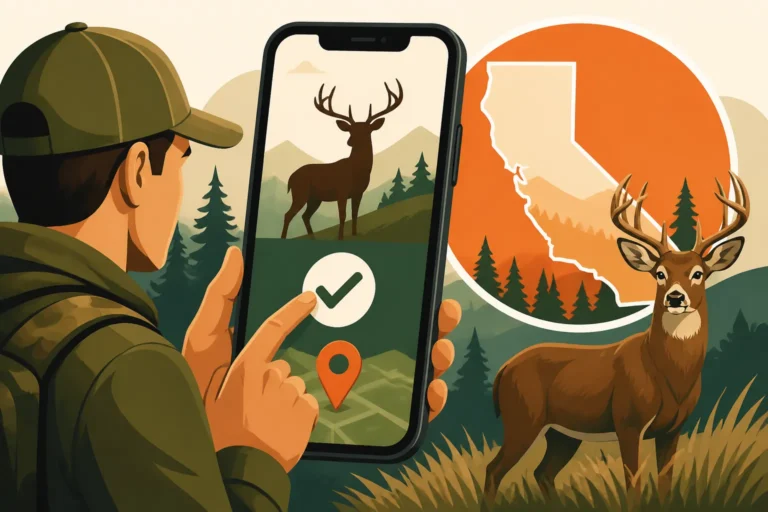
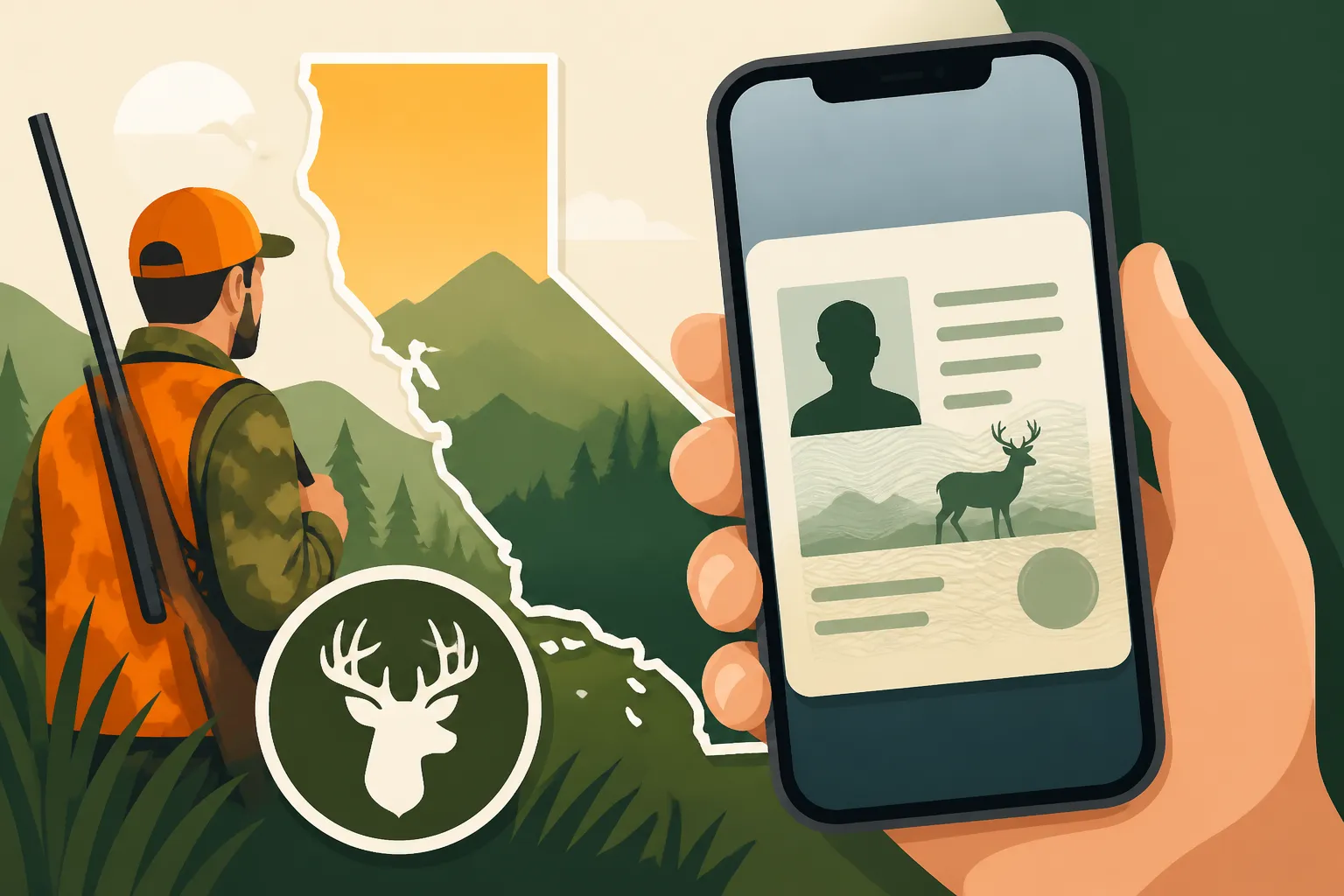
It’s 2024, and let’s be real, our phones are practically extensions of our hands. We use them for everything from navigation to banking, so it’s only natural to wonder if they can finally replace that stack of paper documents we have to lug into the field. The thought of fumbling for a crumpled paper license when a warden stops you, or worse, realizing you left it on the kitchen counter, is a frustration most California hunters know all too well. This guide is going to dig deep into whether carrying your California hunting license on your phone is actually legal, practical, and what you absolutely need to know to stay compliant and avoid a headache.
The Digital Shift: Can Your Phone Be Your License?
The world is rapidly moving towards digital documentation, and the California Department of Fish and Wildlife (CDFW) has, thankfully, started to catch up in some areas. For years, the default was always a physical paper license, tucked into your wallet or a ziplock bag. Now, with smartphones becoming ubiquitous, hunters are naturally asking: "Can I just show it on my screen?" The short answer is: sometimes, with important caveats. It's a nuanced situation, and understanding the specifics can save you a lot of grief when you're miles deep in the backcountry.
Understanding CDFW's Stance on Electronic Licenses
The CDFW has made strides in integrating technology, and yes, your general hunting license can often be displayed digitally. Many hunters, myself included, have relied on a clear photo or a PDF version of their license saved directly to their phone, or accessed through the CDFW's online portal. This applies to your base annual hunting license and many of the associated validations, like the Upland Game Bird Validation or the Migratory Bird Hunting Validation (HIP). It’s incredibly convenient to pull out your phone, open an app, and present your license rather than digging through your vest.
However, it's crucial to remember that "electronic license" doesn't mean "any digital image you have." The CDFW's official systems, often accessible through their website or the ALDS (Automated License Data System) portal, are the most reliable sources. Having a screenshot is generally accepted, but wardens are looking for official proof, not just any picture. Many hunters utilize mapping applications like GoHunt, which can often integrate or allow easy access to saved documents, making it a handy digital hub for all your hunting needs.
The Legalities of Digital Proof vs. Physical Copies
When it comes to the actual legal standing, a clear, legible digital display of your general hunting license on a smartphone or other electronic device is generally considered acceptable proof in California. This is a huge win for convenience. No more worries about ink smudges from a rainy day or tearing your license as you pull it out. The intent is for the hunter to be able to present valid proof upon request, and a properly displayed digital version fulfills that.
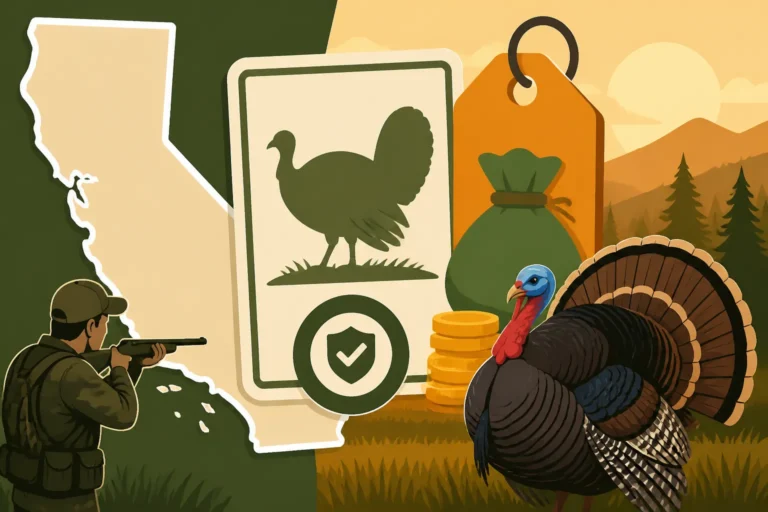
However, this is where the critical distinctions come into play. While the license itself can be digital, certain tags and stamps are a completely different story. Think of big game tags for deer, bear, elk, or even your California Wild Pig Tag. These typically require physical validation — like punching the date and time of harvest, or writing in specific information directly on the tag. These physical actions are integral to the harvest reporting process and cannot be replicated digitally. So, while your general hunting permit might be on your phone, you still need to carry the physical, tangible tags for any big game you're pursuing. This also applies to the Federal Duck Stamp, which needs to be physically signed across the face. For specific details on federal requirements, it’s always wise to check the rules for California Federal Duck Stamp Requirement.
Practicalities and Pitfalls of Going Digital
Embracing digital proof for your hunting license certainly has its perks, but it also introduces a new set of challenges that traditional paper licenses didn’t present. You’re trading one set of potential problems for another, and being prepared for these modern pitfalls is key to a smooth and legal hunt.
Ensuring Your Digital License is Always Accessible
The biggest practical hurdle with a digital license is accessibility. What happens if your phone battery dies halfway through a grueling hike in the Trinity Alps? Or you drop it in a creek while Hunting California's Roosevelt Elk in Redwood Country? These aren’t just hypothetical scenarios; they’re real-world risks every hunter faces. To mitigate this, consider having your license saved in multiple ways: a screenshot, a PDF in your phone’s files, and perhaps even emailed to yourself so you can access it from another device in an emergency.
Always, always carry a fully charged power bank, especially on multi-day trips. A small solar charger can also be a lifesaver in remote areas with no access to outlets. Consider ruggedized, waterproof cases for your phone; the backcountry is no place for a delicate device. Apps like GoHunt are excellent for mapping and scouting, but remember to also ensure your critical documents, like your license, are saved for offline access within such applications. You don't want to be caught without cell service and unable to display your license when a warden asks.
When a Physical Tag is Still Absolutely Essential
Despite the convenience of digital licenses, there are components of your hunting privileges that must remain physical. As mentioned, big game tags are the prime example. If you’re lucky enough to draw a premium tag or you’re hunting one of California's general deer zones, that physical tag is your proof of harvest, and it’s how you record essential information like the date, time, and specific location of your kill. You literally punch or notch these tags, which is something a smartphone can’t do.
Beyond big game, certain validations or stamps also have physical requirements. The Federal Migratory Bird Hunting and Conservation Stamp (Federal Duck Stamp) is a prime example. While you might be able to purchase it online, the physical stamp must be carried and signed across its face. You can't just show a picture of it. Similarly, while your basic California Resident License Options might be displayable digitally, if you're pursuing waterfowl in the Central Valley, that signed Federal Duck Stamp is non-negotiable. Always double-check the specifics for each type of tag or validation before heading out. Don't risk a citation because you assumed everything could be digital.
Best Practices for Hunters in the Field
Alright, so we know that going fully paperless isn't entirely possible, but making the most of digital convenience while still respecting the rules is the sweet spot. Here's how to ensure you're squared away when you hit the field, especially with that phone in hand.
Preparing Your Phone for a Digital Hunt
Before you even step foot outside your truck, take a few moments to prepare your phone. First, download copies of your hunting license and any digital permits to your device’s local storage. Don't rely solely on cloud access or an internet connection, as cell service is often spotty or nonexistent in many prime hunting spots. Take a screenshot of your active license and save it to a clearly labeled album. Better yet, download the PDF version from the CDFW's ALDS system and keep it handy. For navigation, mapping apps like GoHunt are indispensable, and ensuring you have downloaded offline maps for your hunting area is a crucial step.
Investing in a rugged, waterproof phone case is a must. Mud, dust, rain, and accidental drops are common occurrences when hunting, and a damaged phone is a useless phone. Lastly, always carry a fully charged portable power bank. A dead phone means a dead license in the eyes of the law, and that’s a conversation you don’t want to have with a game warden. Think of it as essential gear, just like your binoculars or your Best Knife for Field Dressing a Blacktail.
What to Do During a Warden Check
Encountering a game warden in the field is a normal part of hunting, and it’s usually a pleasant interaction if you’re prepared. When a warden approaches, remain calm and cooperative. Inform them that your license is on your phone and ask how they'd like to view it. They might prefer you simply hold it up, or they might ask to briefly hold your phone to confirm details. Be polite, answer their questions truthfully, and respect their authority.
When presenting your digital license, make sure the screen is bright and clear, displaying all relevant information without needing to scroll extensively. If you're carrying physical tags, have those easily accessible as well. Wardens are well-versed in checking both digital and physical documents. If your phone battery is low or dead, that's where your backup plan comes in – whether it's a physical copy you prudently brought along (highly recommended for many), or access to a power bank to quickly revive your device. Remember, having a dead phone is not an excuse for not being able to present a valid license. For a good read on how these checks factor into compliance, consider exploring California Hunter Education Requirements.
Navigating Specific California License Components
California's hunting regulations can feel like a tangled web, especially when you start parsing out what can be digital versus what needs to be physical. It's not a one-size-fits-all situation, and understanding the specifics for each permit and tag is critical to staying on the right side of the law.
Base Hunting License and Validations
Your foundational California base hunting license is generally the easiest component to manage digitally. Whether you buy it online through the CDFW's system or at an authorized vendor, you can typically save a digital copy (PDF or screenshot) to your phone. This serves as your primary proof that you're licensed to hunt in the state. Along with the base license, most of your required validations, such as the Upland Game Bird Validation or the California Migratory Bird Hunting Validation (HIP), can also be shown digitally. The CDFW website explicitly states that these can be displayed on a mobile device.
However, there's a key distinction for federal requirements. The Federal Duck Stamp, while sometimes purchased electronically, must be physically possessed and signed across its face before you hunt migratory waterfowl. So, while your state HIP validation can be digital, the federal stamp is still very much a physical requirement. It’s a good example of how different levels of government have different rules that hunters must navigate. Making sure you understand how to purchase and carry these is vital for any bird hunt, especially when Decoying Ducks in California's Central Valley Flooded Rice.
Big Game Tags and Unique Requirements
This is where digital convenience hits a wall. For any big game in California – deer, bear, elk, pronghorn, bighorn sheep, and even wild pigs – you are required to possess a physical tag. These aren't just pieces of paper; they are official documents that must be validated immediately upon harvesting an animal. This typically involves punching out the month and day of kill, or otherwise marking the tag as instructed. For instance, when reporting your harvest, you'll provide information from this physical tag, which then links to the CDFW's Automated License Data System (ALDS). This system also manages California Deer Reporting Requirements and Reporting a Pig Harvest Through ALDS.
The physical nature of these tags is non-negotiable because it’s part of the harvest data collection and management process, which tracks things like California Annual Deer Harvest and California Black Bear Population Estimate. Carrying these physical tags is as important as carrying your weapon and ammunition. Imagine you've just taken a buck in Hunting California's High-Country X-Zones and you realize you don't have your physical deer tag. That’s not just a hassle; it’s a serious violation. Even if you found your tag later, the immediate validation requirement upon harvest makes digital tags impractical under current regulations. So, while you can view your eligibility for these tags on your phone (especially if you've been monitoring draw results through GoHunt), the actual tags themselves must be in hand.
Here’s a quick overview of what you can and can't usually carry digitally in California:
| Document Type | Can Be Digital? (Generally) | Requires Physical Copy? (Generally) | Notes |
|---|---|---|---|
| Base Hunting License | Yes | No | Must be clear and legible on electronic device. |
| Upland Game Bird Validation | Yes | No | |
| Migratory Bird Hunting (HIP) | Yes | No | Still need physical Federal Duck Stamp if hunting migratory birds. |
| Federal Duck Stamp | No | Yes | Must be physically possessed and signed across face. |
| Deer Tag | No | Yes | Must be physically possessed for validation upon harvest. |
| Bear Tag | No | Yes | Must be physically possessed for validation upon harvest. |
| Elk Tag | No | Yes | Must be physically possessed for validation upon harvest. |
| Wild Pig Tag | No | Yes | Must be physically possessed for validation upon harvest and harvest reporting. |
| Second Deer Tag | No | Yes | Applies only if available and purchased. |
This table should serve as a quick reference, but always consult the most current CDFW regulations booklet or website for the definitive word on all requirements.
Disclaimer
The information provided in this article is for general guidance and informational purposes only and does not constitute legal advice. Hunting regulations in California are subject to change, and it is the hunter's responsibility to review and comply with all current California Department of Fish and Wildlife (CDFW) regulations and federal laws before engaging in any hunting activities. Always refer to the official CDFW hunting regulations booklet and website for the most accurate and up-to-date information.